What You Will Learn
- SAP Fiori app types and tile display options
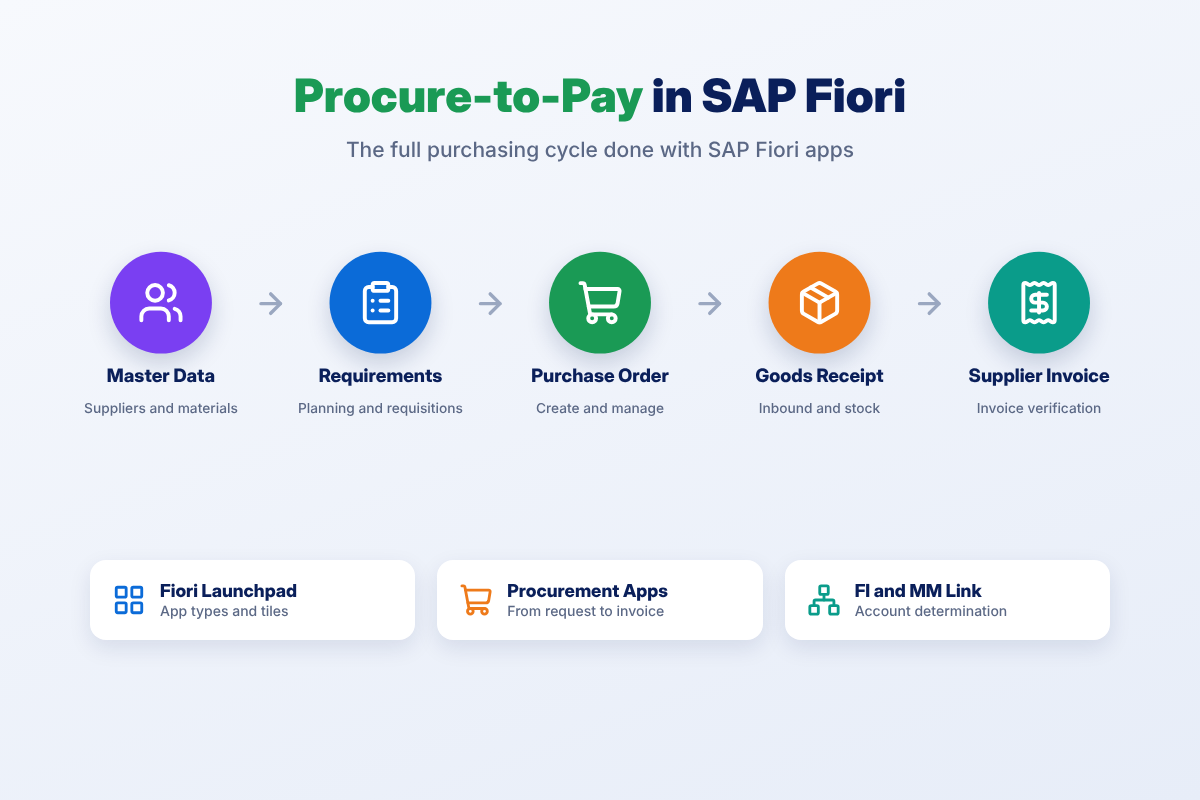
- Procurement basics and the procure-to-pay cycle
- Manage posting periods for accounting and the product master
- Supplier, material and procurement master data setup
- Procurement planning, requirements and purchase order management
- Goods receipt, inbound delivery, stock monitoring and invoice verification
- Automatic account determination between Finance and Procurement
Who This Course Is For
Procurement users moving from SAP GUI to SAP Fiori
SAP MM consultants who want Fiori skills
Buyers and procurement key users
Beginners who want a short, practical start in SAP procurement
Every process is shown in a real SAP S/4HANA system, with clear step-by-step demonstrations.
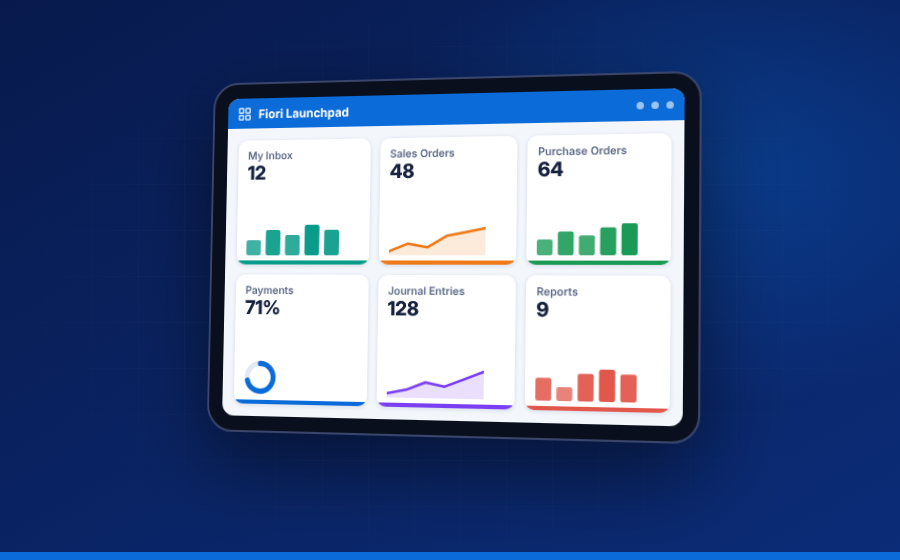
SAP Fiori Launchpad
Understand app types and tile options so you can find and use the right procurement apps.
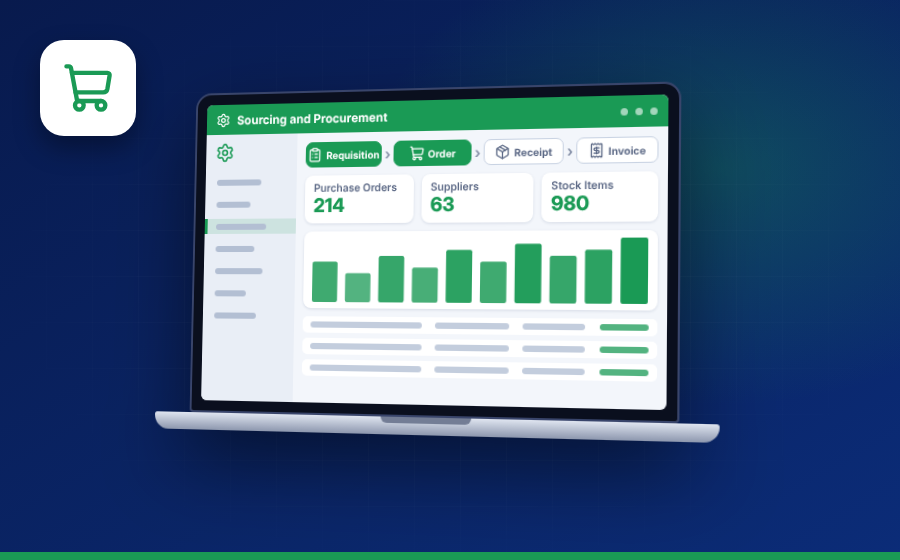
Procurement Apps
Create and manage requisitions, purchase orders, goods receipts and supplier invoices in Fiori.
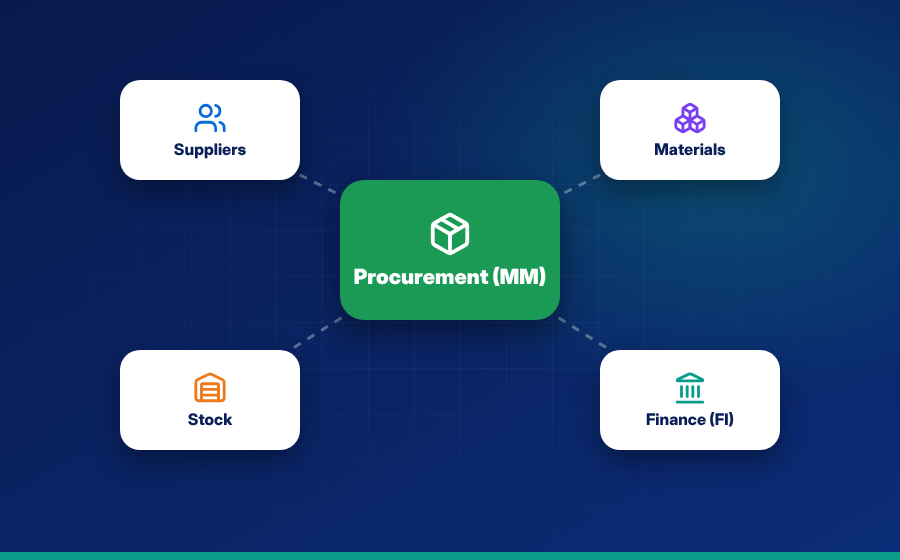
Finance Link
See how goods receipts and invoices post to Finance through automatic account determination.
Course Curriculum
- 2.1 Introduction to SAP Fiori Application Types (0:38)
- 2.2 Transactional Apps (4:03)
- 2.3 Analytical Apps (6:20)
- 2.4 Fact sheets-Object Page (4:18)
- 2.5 Fiori Elements (2:59)
- 2.6 SAP Gui-based HTML Apps (7:25)
- 2.7 Web Dynpro (4:21)
- 2.8 SAP Fiori Apps Display Options (2:59)
- 2.9 Deprecated and Obsolete Fiori Tiles and Business Catalogs (9:16)
- Section summary
- Section quiz
Your Instructor: Rana W Mehmood
I am an SAP S/4HANA Trainer and Consultant with experience in SAP Finance (FICO), Sales and Distribution (SD), Materials Management (MM), SAP Fiori and SAP Data Migration.
My courses focus on practical, real-world business scenarios, so you build confidence through hands-on, step-by-step demonstrations in a real SAP S/4HANA system.

More SAP S/4HANA Courses
Continue your learning with these courses from ALGOTIQ ACADEMY.