What You Will Learn
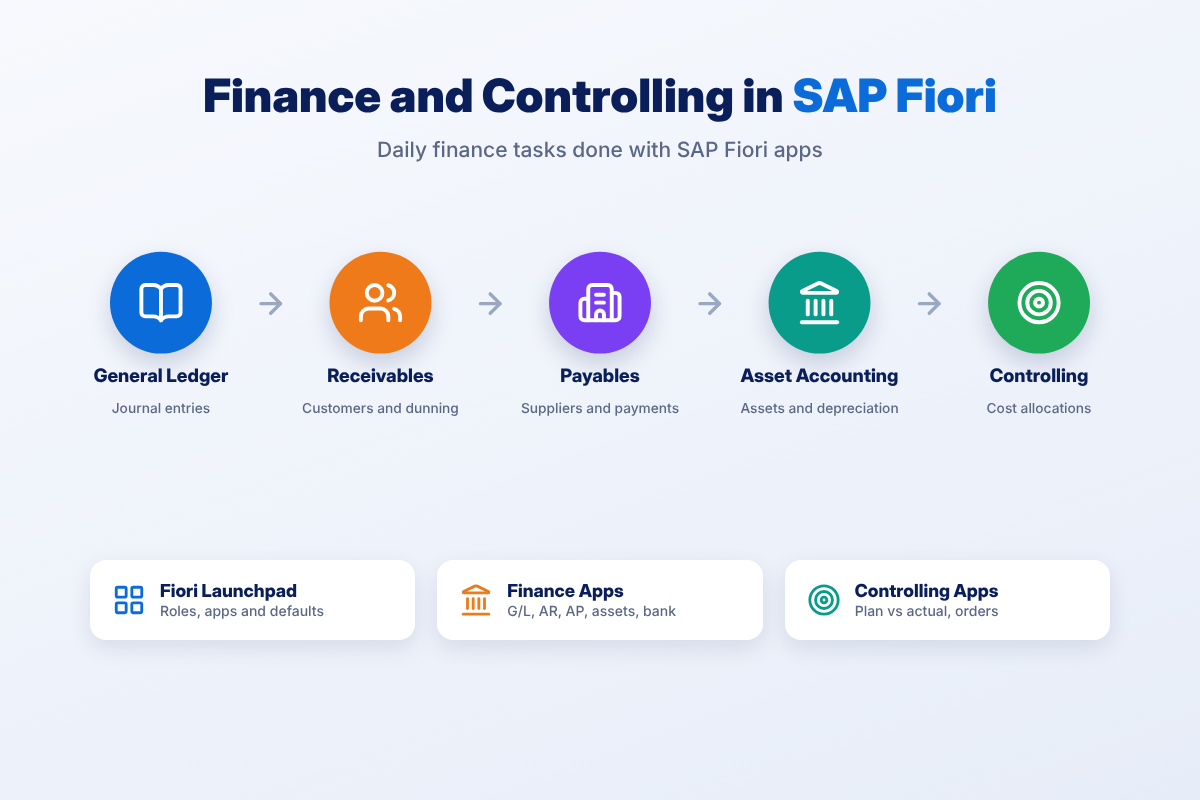
- SAP Fiori as the new user interface for SAP S/4HANA Finance
- Fiori administration, app types and default values
- General Ledger postings and manage posting periods
- Bank and cash management, Accounts Receivable and Accounts Payable
- Dunning, automatic payments and Asset Accounting
- Profit centers, cost centers, hierarchies and cost elements
- Cost center planning, allocations, activity allocation and internal orders
Who This Course Is For
Finance users moving from SAP GUI to SAP Fiori
SAP FICO consultants who want Fiori skills
Accountants and finance key users
Learners preparing for SAP S/4HANA Finance roles
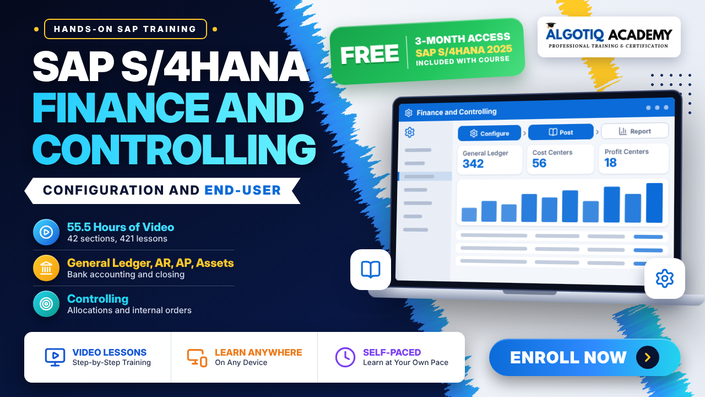
Every process is shown in a real SAP S/4HANA system, with clear step-by-step demonstrations.
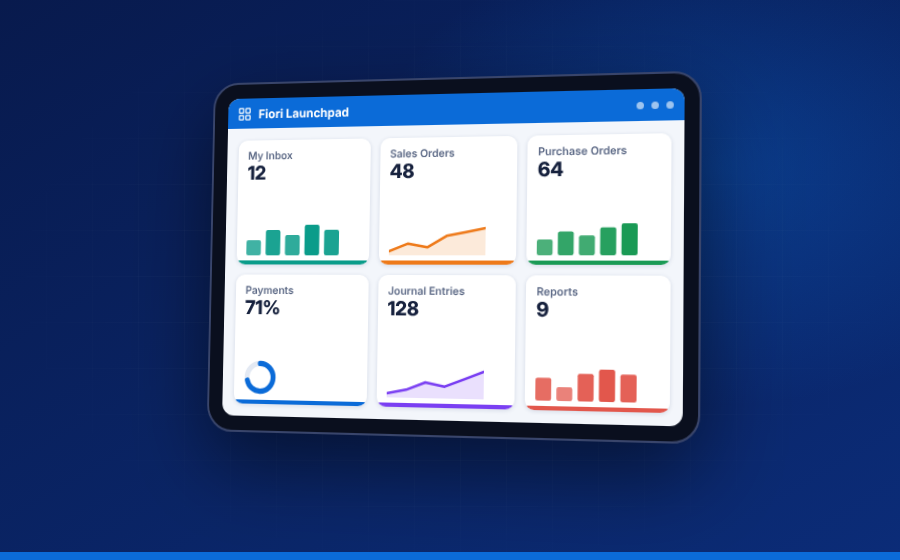
SAP Fiori Launchpad
Understand app types, tiles, roles and default values so you can work fast in SAP Fiori.
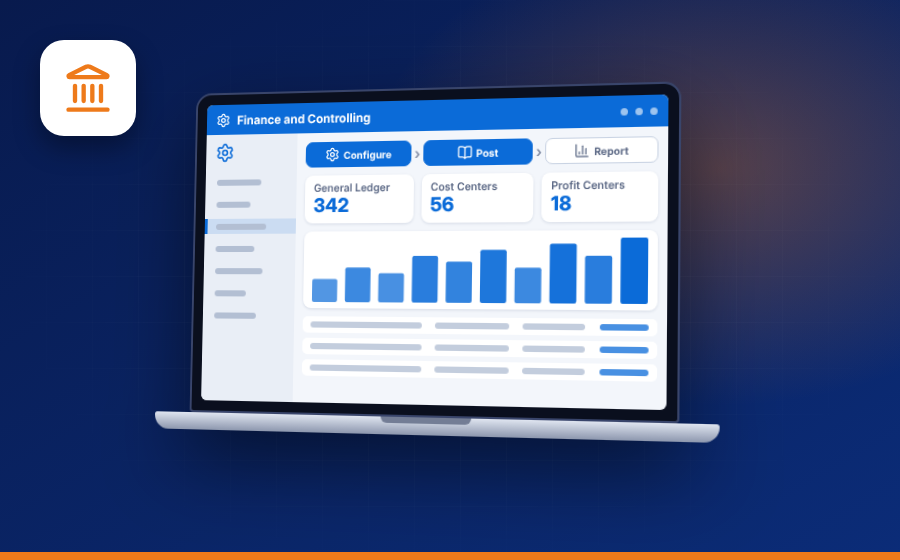
Finance Apps
Post and manage journal entries, receivables, payables, bank, assets and payments in Fiori apps.
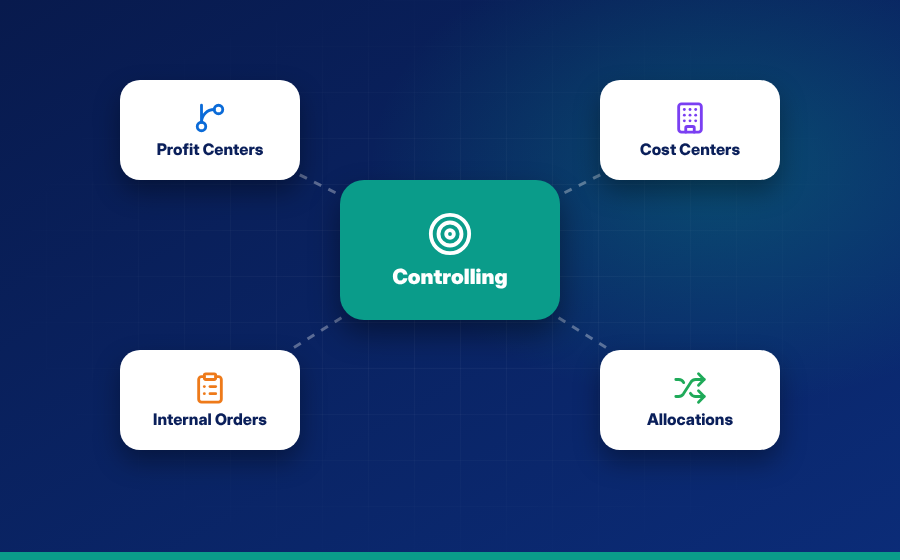
Controlling Apps
Plan and post costs, run allocations and manage internal orders, profit centers and cost centers.
Course Curriculum
- 2.1 Introduction to SAP S/4HANA Business Suite (5:00)
- 2.2 Introduction to SAP Fiori as a new User Interface and User Experience (Merge SAP Fiori for Business Apps) (4:38)
- 2.3 SAP Fiori Design Principles and Key Features (12:59)
- 2.4 SAP Fiori Help and Learning (6:56)
- 2.5 SAP Fiori Recent Activities and Frequently Used Apps (1:32)
- 2.6 SAP Fiori Versions History (4:18)
- Section quiz
- 3.1 SAP Fiori App Finder and Fiori Apps Reference Library for Business Role(s) (16:20)
- 3.2 Assign a Standard Business Role to a Business User (8:10)
- 3.3 Catalog Management, Launchpad Content Manager, and Custom Business Role (42:44)
- 3.4 Manage SAP Fiori Launchpad Spaces and Pages (37:36)
- 3.5 SAP Fiori Apps Display Options (Tile, Link, Flat Tile, Flat Wide Tile, Wide Tile) (2:39)
- 3.6 Deprecated, and Obsolete Fiori Tiles and Business Catalogs (8:29)
- 3.7 Customization Options through SAP Fiori Apps (7:06)
- Section quiz
- 8.1 Post and Manage General Journal Entries (14:07)
- 8.2 Upload Journal Entries through Spreadsheet (6:20)
- 8.3 Display G/L Account Balances and Line Items in G/L (2:42)
- 8.4 Manage G/L Account Master Data (10:34)
- 8.5 Manage Chart of Accounts and Financial Statement Version (7:51)
- 8.6 Introduction to Documents Clearing and Clearing G/L Accounts (7:25)
- 8.7 Manage Recurring Journal Entries (7:27)
- 8.8 Sample Journal Entries (3:50)
- 8.9 Cross-company code Transactions or Intercompany Transactions (9:54)
- Section quiz
- 10.1 SAP Accounts Receivable Overview (2:25)
- 10.2 Introduction to BP and Customer Master Data (5:00)
- 10.3 Creation of BP and Customer Master Data (19:42)
- 10.4 Creation of One-time Customer Master Data (7:43)
- 10.5 Post Outgoing Invoices - For Customers (25:13)
- 10.6 Hold Documents vs Parking Documents (11:45)
- 10.7 Upload Customer Open Items (10:15)
- 10.8 Post One-time Customer Outgoing Invoice (5:05)
- 10.9 Post Customer Credit Memo (12:45)
- 10.10 Post Incoming Payments - For Customers (Period-End) (9:13)
- 10.11 Reset Cleared Items with Negative Reversal Posting (8:38)
- 10.12 Clear Open Items - Automatic With Credit Memo (Period-End) (4:44)
- 10.13 Reset Cleared Items with Normal Reversal Posting (12:36)
- 10.14 Post Partial Incoming Payment - For Customers (5:41)
- 10.15 Customer Underpayment/Overpayment within Tolerance Limits (11:45)
- 10.16 Customer Underpayment/Overpayment Above Tolerance Limits (5:57)
- 10.17 Correspondence with Customers (5:28)
- 10.18 Customer Down Payment Process (Special G/L Transaction) (26:33)
- Section quiz
- 11.1 SAP Accounts Payable Overview (4:44)
- 11.2 Introduction to BP and Supplier Master Data (4:02)
- 11.3 Creation of Local BP and Supplier Master Data (9:18)
- 11.4 Creation of Foreign BP and Supplier Master Data (7:32)
- 11.5 Display Supplier List and Confirm Vendor Changes (4:49)
- 11.6 Post Incoming Invoices with Document Splitting (15:34)
- 11.7 Outgoing Payment with Document Splitting (5:45)
- 11.8 Post Incoming Invoices for a Foreign Supplier (6:07)
- 11.9 Outgoing Payment with Exchange Rate Differences (7:54)
- 11.10 Park and Post Incoming Invoice (5:00)
- 11.11 Account Assignment Template (5:49)
- 11.12 Customer as Vendor and Vendor as Customer (16:08)
- Section quiz
- 13.1 Business Scenario and Overview (4:19)
- 13.2 Open and Close the Fiscal Year in Asset Accounting (Year-End Closing) (5:04)
- 13.3 Balance Carryforward in Asset Accounting after Fiscal Year Change (1:57)
- 13.4 Create Asset Master Record and Asset Values (16:54)
- 13.5 Create Multiple Asset Master Records and Create Asset Subnumber (10:33)
- 13.6 Post Asset Acquisition With Vendor (14:56)
- 13.7 Post Asset Acquisition Without Vendor for an Existing Asset (10:57)
- 13.8 Post Asset Acquisition Without Vendor for a New Asset (6:13)
- 13.9 Post Asset Acquisition Without Vendor for Multiple Assets (9:16)
- 13.10 What is Capitalization of Asset Under Construction (AuC)? (3:37)
- 13.11 Master Data of Asset Under Construction (AuC) and its Cost (5:43)
- 13.12 Create Master Data of Complete Assets (3:44)
- 13.13 Distribution Rules and Settlement for Asset Under Construction (AuC) (11:30)
- 13.14 Asset Transfer within Company code (10:34)
- 13.15 Asset Transfer Across Company codes (17:08)
- 13.16 Asset Retirement or Sale With Customer (14:48)
- 13.17 Asset Retirement or Sale Without Customer (11:42)
- 13.18 Asset Retirement by Scrapping (10:02)
- 13.19 Asset Subsequent Revenue (5:53)
- 13.20 Asset Subsequent Costs (5:02)
- 13.21 Asset Post-Capitalization (13:44)
- 13.22 Asset Miscellaneous Transactions (6:35)
- 13.23 Manual Depreciation as Manual Value Correction (11:39)
- 13.24 Unplanned Depreciation as Manual Value Correction (12:08)
- 13.25 Post Asset Revaluation (Upward) (7:33)
- 13.26 Post Asset Revaluation (Downward) (4:58)
- 13.27 Depreciation Posting Run with Schedule Asset Accounting Jobs (21:53)
- 13.28 Asset Accounting Analytics (13:23)
- Section quiz
- 19.1 Business Scenario and Introduction to Cost Allocations (Distribution Method) (4:34)
- 19.2 Manage Allocations for Plan Costs with Analytics (Distribution Method) (22:04)
- 19.3 Manage Allocations for Actual Costs (Distribution Method) (3:29)
- 19.4 Run Allocations for Plan Costs with Analytics (Distribution Method) (11:03)
- 19.5 Run Allocations for Actual Costs with Actual Costs (Distribution Method) (9:11)
- Section quiz
- 20.1 Business Scenario and Introduction to Cost Allocations (Assessment Method) (3:34)
- 20.2 Secondary Cost Element for Assessment Method (4:25)
- 20.3 Cost Center Planning by importing Financial Plan Data (Assessment Method) (4:52)
- 20.4 Manage and Run Allocations for Plan Costs with Analytics (Assessment Method) (15:06)
- 20.5 Cost Center Actual Postings - Plan vs Actual Data (Assessment Method) (2:52)
- 20.6 Manage and Run Allocations for Actual Costs (Assessment Method) (10:54)
- 20.7 Distribution Method vs Assessment Method (2:09)
- Section quiz
- 21.1 Business Scenario for Direct Activity Allocation (2:21)
- 21.2 Secondary Cost Element for Direct Activity Allocation (5:35)
- 21.3 Activity Type Master Data for Direct Activity Allocation (8:01)
- 21.4 Activity Type Price Planning for Cost Centers with Reports (14:55)
- 21.5 Activity Type Actual Price for Cost Centers with Reports (5:22)
- 21.6 Actual Cost Postings - Direct Activity Allocation with Analytics (11:57)
- Section quiz
- 22.1 Business Scenario for Indirect Activity Allocation (2:08)
- 22.2 Secondary Cost Element for Internal Activity Allocation (2:19)
- 22.3 Activity Type Master Data for Indirect Activity Allocation (7:06)
- 22.4 Activity Type Price Planning for Cost Centers with Reports (6:15)
- 22.5 Create Plan Indirect Activity Allocation Cycle (8:18)
- 22.6 Execute Plan Indirect Activity Allocation Cycle (6:21)
- 22.7 Sender Activities/Enter Services (5:04)
- 22.8 Create Actual Indirect Activity Allocation Cycle (3:14)
- 22.9 Execute Actual Indirect Activity Allocation Cycle (7:18)
- Section quiz
- 23.1 Business Scenario and Introduction to Internal Order (2:33)
- 23.2 Order Types for Internal Orders (12:44)
- 23.3 Real Internal Order Master Data (9:04)
- 23.4 Statistical Internal Order Master Data (2:04)
- 23.5 Manage Settlement Rules for Internal Orders (9:17)
- 23.6 Actual Posting into Internal Orders (15:36)
- 23.7 Run Settlement and Settlement Documents (16:17)
- 23.8 Closing an Internal Order - System Statuses (1:59)
- 23.9 Manage Internal Order Groups (6:28)
- Section quiz
Your Instructor: Rana W Mehmood
I am an SAP S/4HANA Trainer and Consultant with experience in SAP Finance (FICO), Sales and Distribution (SD), Materials Management (MM), SAP Fiori and SAP Data Migration.
My courses focus on practical, real-world business scenarios, so you build confidence through hands-on, step-by-step demonstrations in a real SAP S/4HANA system.

More SAP S/4HANA Courses
Continue your learning with these courses from ALGOTIQ ACADEMY.